Is your PC delivering lower FPS than expected, stuttering in games, or lagging during multitasking? The culprit might be a bottleneck in your system.
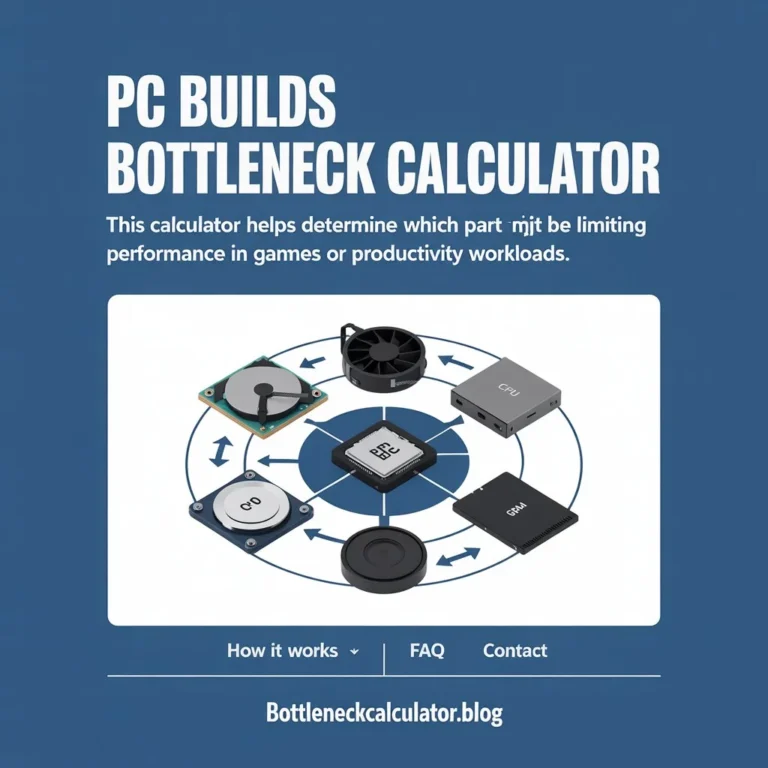
A bottleneck happens when one component of your PC (usually the CPU or GPU) holds back the performance of the other. The good news? Our PC Bottleneck Calculator helps you instantly check if your system is balanced.
What is a PC Bottleneck?
A PC bottleneck occurs when one hardware component limits the overall performance of your system. Think of it like a traffic jam: even if most lanes are clear, a single blocked lane slows everything down.

Types of bottlenecks:
- CPU Bottleneck → CPU at 100%, GPU underutilized.
- GPU Bottleneck → GPU maxed out, CPU idling.
- RAM/Storage Bottlenecks → Slow memory or HDD limits performance.
- Power/Thermal Bottlenecks → Weak PSU or overheating reduces efficiency.
👉 A small bottleneck (5–10%) is normal. But anything above 30% can cause serious performance issues like FPS drops, stuttering, and lag.
How the PC Bottleneck Calculator Works?
Our tool analyzes how well your CPU and GPU work together by comparing:
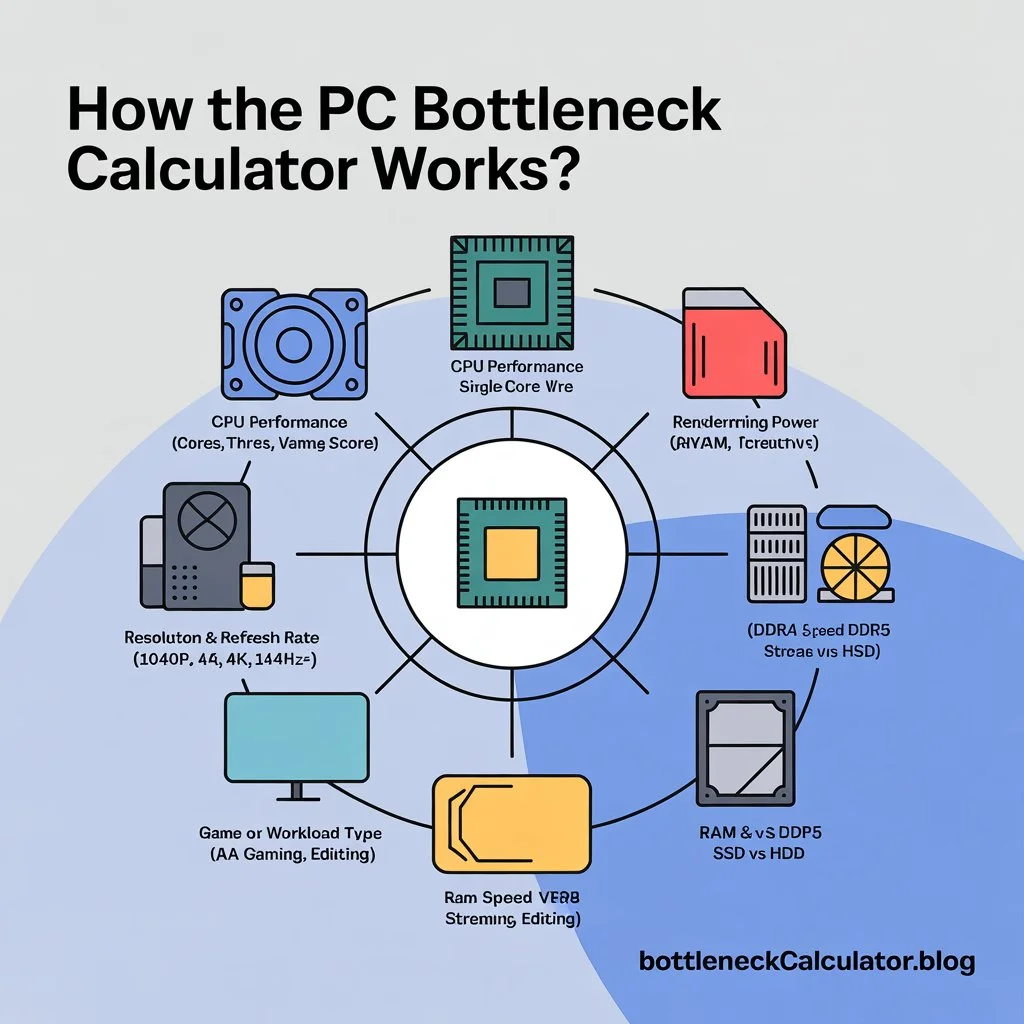
- CPU performance (cores, threads, single-core score).
- GPU performance (rendering power, VRAM, architecture).
- Resolution & refresh rate (1080p, 1440p, 4K, 144Hz+).
- Game or workload type (esports, AAA gaming, streaming, editing).
- RAM speed & storage type (DDR4 vs DDR5, SSD vs HDD).
It then shows a bottleneck percentage so you can see which part of your PC is holding you back.
Symptoms of a PC Bottleneck
Wondering if you really need to check for bottlenecks? Look for these signs:
- FPS drops or inconsistent frame times.
- Stuttering during gameplay or video editing.
- CPU usage at 100% while GPU usage is low → CPU bottleneck.
- GPU at 100% while CPU is underused → GPU bottleneck.
- Slow loading times → Storage bottleneck.
- High temps and fan noise → Thermal bottleneck.
How to Fix a PC Bottleneck?
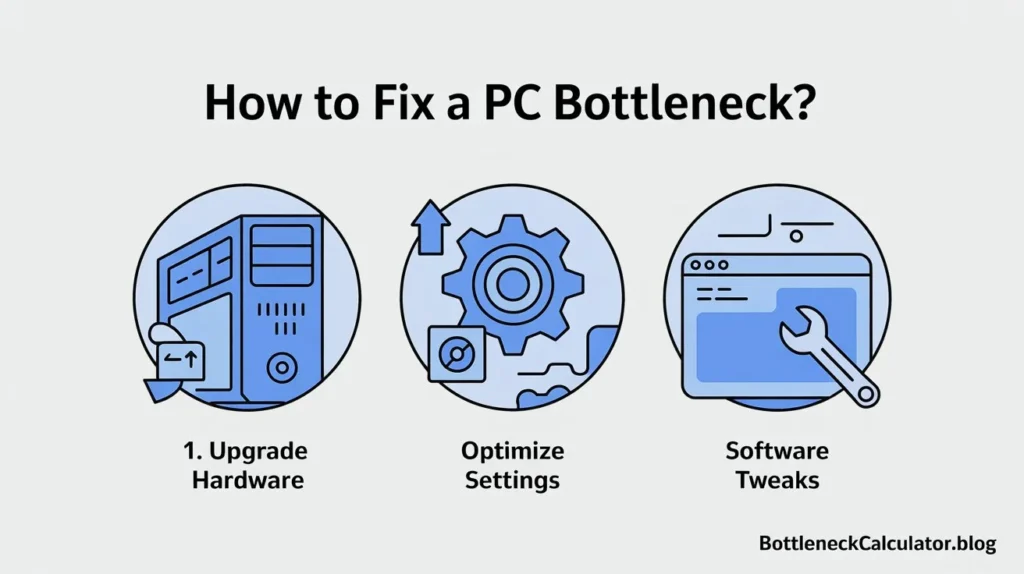
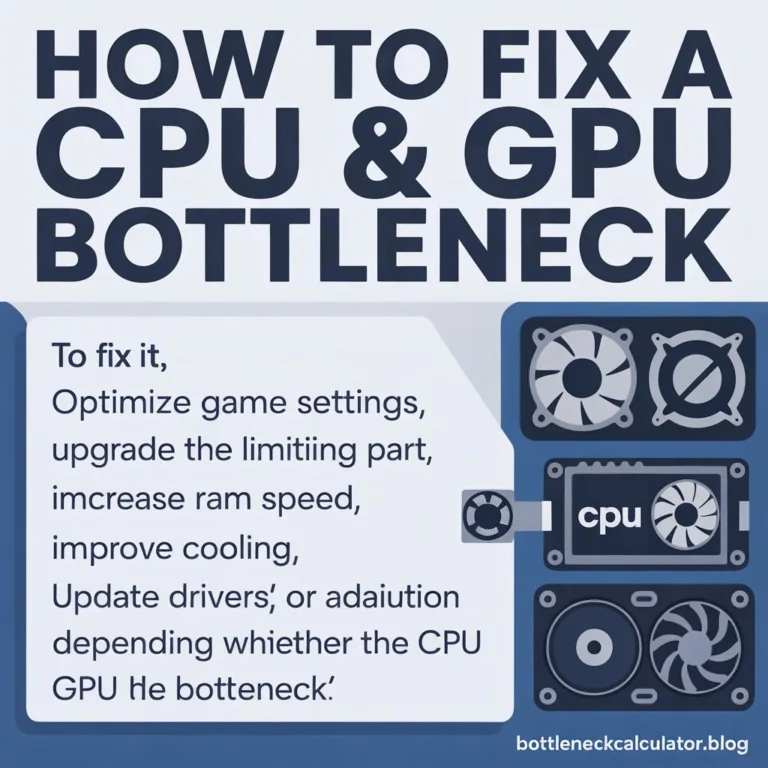
If the PC Bottleneck Calculator shows a problem, here are ways to fix it:
1. Upgrade Hardware
- CPU bottleneck → Upgrade to a stronger CPU with more cores/threads.
- GPU bottleneck → Get a more powerful graphics card with higher VRAM.
- RAM bottleneck → Use 16–32GB of fast DDR4/DDR5 memory.
- Storage bottleneck → Move games to SSD/NVMe.
- PSU bottleneck → Ensure enough wattage for CPU & GPU.
2. Optimize Settings
- Lower CPU-heavy settings (draw distance, shadows, AI).
- Reduce GPU-heavy settings (resolution, ray tracing, textures).
- Use DLSS/FSR/XeSS to reduce GPU load.
3. Software Tweaks
- Close background apps like Chrome, Discord, or OBS.
- Keep drivers and BIOS updated.
- Adjust power plans for performance.
Also Check: Bottleneck Calculator CPU GPU – Test Your System Performance
FAQs
What is a bottleneck in a PC?
It’s when one component (CPU, GPU, RAM, storage) slows down the overall system performance.
How do I know if my PC has a bottleneck?
Check usage in Task Manager or MSI Afterburner:
- CPU at 100% but GPU <70% → CPU bottleneck.
- GPU at 100% but CPU <70% → GPU bottleneck.
Or use our PC Bottleneck Calculator for instant results.
Why should I use a PC Bottleneck Calculator?
It helps you find if upgrading CPU, GPU, or RAM will improve performance before spending money.
How accurate is the PC Bottleneck Calculator?
It’s an estimate based on benchmarks and usage patterns. Real-world performance also depends on drivers, cooling, and game optimization.
What is considered a bad bottleneck percentage?
- 0–10% → Normal, no issue.
- 10–30% → Minor performance loss.
- 30%+ → Noticeable bottleneck → consider upgrade.
Can RAM or storage cause a bottleneck?
Yes. Too little or slow RAM reduces CPU efficiency, and HDDs instead of SSDs slow down loading times.
Should I upgrade my CPU or GPU first?
It depends on the bottleneck type:
- CPU bottleneck → upgrade CPU.
- GPU bottleneck → upgrade GPU.
Do bottlenecks affect laptops?
Yes. Laptops throttle more due to heat & power limits, so bottlenecks are often worse than desktops.
Is resolution or refresh rate causing my bottleneck?
Yes. Higher refresh rates (144Hz/240Hz) demand more from CPUs. Higher resolutions stress GPUs.
Can overclocking reduce bottlenecks?
Yes, but results vary. It can slightly improve CPU/GPU performance if cooling is good.
Do background apps cause bottlenecks?
Definitely. Programs like Chrome or Discord use CPU/RAM, worsening bottlenecks.
Are bottlenecks different in gaming vs productivity?
Yes. Gaming often CPU or GPU bottlenecks, while video editing/3D rendering are more GPU-heavy.
Does DirectStorage or Resizable BAR reduce bottlenecks?
Yes. Both technologies improve efficiency, reducing load times and balancing performance.
✅ Conclusion
Don’t let one weak component drag down your entire build. Whether you’re gaming, streaming, or editing, knowing your bottleneck percentage helps you upgrade smarter.
👉 Use our Free PC Bottleneck Calculator now to check your CPU, GPU, and system balance instantly.