If you’re building or upgrading a gaming PC, one of the most important things to check is whether your CPU and GPU are balanced. Even the most powerful graphics card won’t deliver smooth performance if the processor can’t keep up. That’s where a CPU Bottleneck Calculator comes in handy.
In this guide, we’ll explain what CPU bottlenecks are, how our calculator works, real signs to watch for, and most importantly — what you can do if your processor is limiting your system’s performance.
👉 Try our free Bottleneck Calculator to see if your CPU is bottlenecking your GPU right now.
What is a CPU Bottleneck?
A CPU bottleneck happens when your processor is too slow to feed data to your GPU. The graphics card ends up waiting idle because the CPU cannot keep pace with the rendering workload.
For example:
- An Intel i3 10100F paired with an RTX 4070 will struggle, because the CPU lacks cores and single-core speed.
- Meanwhile, an RTX 3060 with a Ryzen 5 5600 is well balanced.
CPU bottlenecks are most visible in CPU-heavy games (RTS, simulations, MMOs) and at lower resolutions like 1080p, where the GPU has less work and waits on the CPU.
How the CPU Bottleneck Calculator Works?
Our calculator analyzes your CPU and GPU combination to estimate performance balance. It considers:
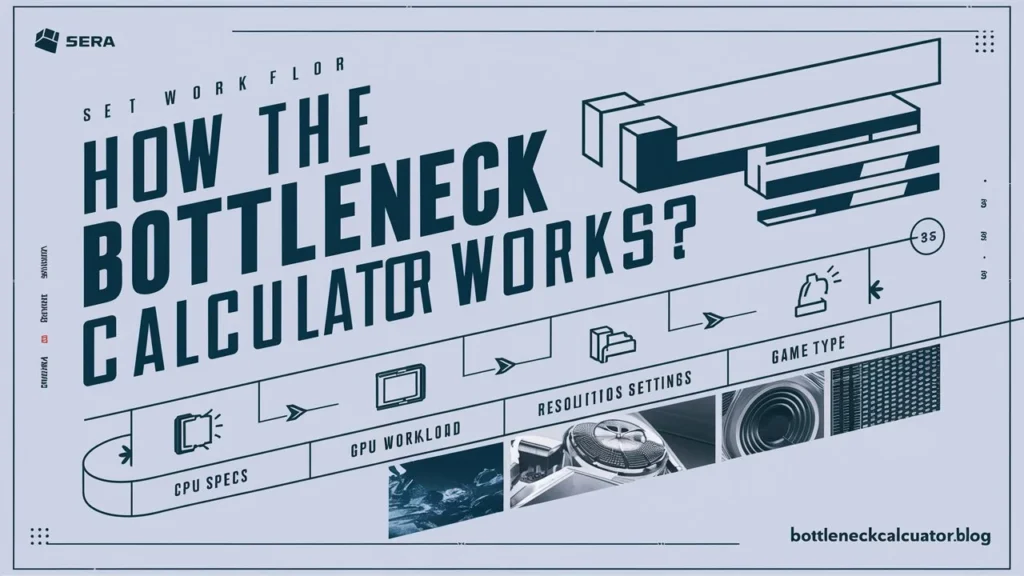
- CPU Specs: core count, threads, base/boost clock, IPC (instructions per cycle).
- GPU Workload: rendering power, VRAM, bandwidth.
- Resolution & Settings: higher resolutions shift the bottleneck toward the GPU.
- Game Type: esports vs AAA open-world titles stress CPUs differently.
The result shows a bottleneck percentage (e.g., 15% CPU bottleneck), giving you a clear picture of whether your processor is limiting your GPU.
Signs of a CPU Bottleneck
You might be experiencing a CPU bottleneck if:
- Your CPU usage is near 100% while GPU usage is much lower.
- Games stutter or hitch, even with a powerful graphics card.
- Lowering graphics settings doesn’t improve FPS.
- Performance drops in CPU-heavy titles like strategy or MMO games.
Causes of CPU Bottlenecks
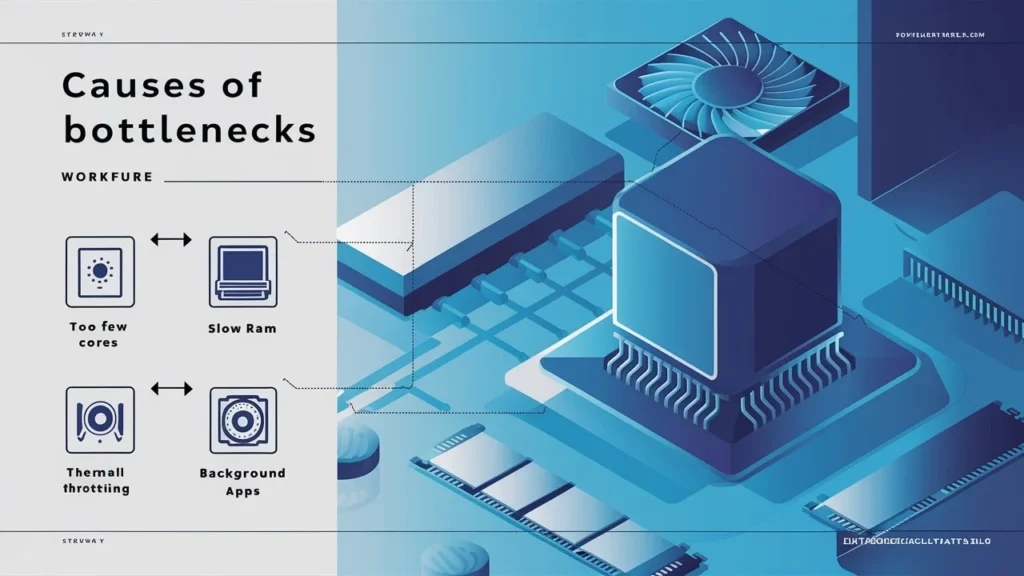
- Pairing an old or entry-level CPU with a modern GPU.
- Too few cores/threads for today’s games.
- Slow RAM or poor memory latency holding back the processor.
- Thermal throttling from high CPU temps.
- Background apps (OBS, Chrome, Discord, antivirus) consuming CPU cycles.
How to Fix a CPU Bottleneck?
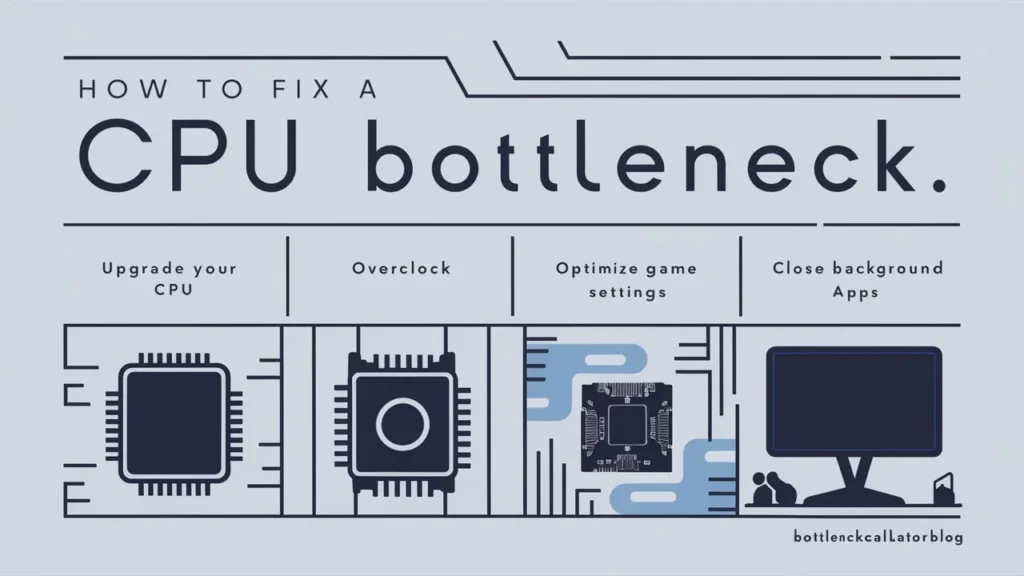
The good news: CPU bottlenecks can be reduced or fixed. Options include:
- Upgrade your CPU to a processor with better single-thread and multi-core performance.
- Overclock (if supported) to squeeze extra performance.
- Optimize game settings — lower draw distance, AI complexity, shadows.
- Close background apps before gaming.
- Improve cooling to prevent thermal throttling.
- Faster RAM (higher MHz, lower latency) for CPUs sensitive to memory speed.
Real-World Examples
- RTX 4080 + Intel i5 9400F → Heavy CPU bottleneck.
- RTX 3060 + Ryzen 5 5600 → Well-balanced setup.
- RTX 4090 + i7 14700K → GPU bottleneck instead (CPU is fast enough).
Also Check: GPU Bottleneck Calculator
Frequently Asked Questions (FAQ)
What is a CPU bottleneck?
It’s when your processor can’t keep up with your graphics card, causing reduced FPS, stuttering, or inconsistent frame times.
How do I know if my CPU is bottlenecking my GPU?
Check usage in games: if CPU is 90–100% while GPU is below 70%, your CPU is likely bottlenecking.
Is 100% CPU usage always a bottleneck?
Not always. Some tasks max out CPU threads by design. It’s only a bottleneck if GPU usage is significantly lower at the same time.
Why does my PC bottleneck more at 1080p than 4K?
At 1080p, the GPU finishes rendering quickly, so the CPU becomes the limiting factor. At 4K, the GPU has more work, shifting the bottleneck to the graphics card.
Do more CPU cores always reduce bottlenecks?
Not always. Many games rely more on single-core speed than total cores. Balance between core count and per-core performance is key.
Does high CPU temperature cause bottlenecks?
Yes. Overheating can cause thermal throttling, lowering CPU speed and creating bottlenecks. Good cooling prevents this.
Do background programs cause CPU bottlenecks in games?
Yes. Apps like browsers, recording/streaming software, or antivirus can consume CPU resources and impact performance.
How do I know if it’s a bottleneck or poor game optimization?
Try multiple games. If only one title performs badly while others run fine, it’s likely optimization, not a CPU/GPU mismatch.
How do I decide whether to upgrade CPU or GPU first?
If CPU is maxed out and GPU isn’t, upgrade CPU. If GPU is maxed out and CPU is idle, upgrade GPU. Choose based on which is holding performance back.
Will changing resolution or FPS cap reduce bottlenecks?
Yes. Lowering FPS target (e.g., capping at 60Hz) reduces CPU demand. Increasing resolution shifts more work to GPU, balancing performance.
Does RAM speed or latency affect CPU bottlenecks?
Yes. Faster RAM (and dual-channel setups) help the CPU feed data more efficiently, reducing bottlenecking in some cases.
Is the result of a bottleneck calculator always consistent?
No. Results may vary depending on drivers, game updates, background tasks, and even Windows patches. It’s an estimate, not a fixed guarantee.
Do laptop CPUs bottleneck more often than desktops?
Yes. Laptop CPUs are power-limited and often thermal-throttled, so they bottleneck GPUs more easily than desktop equivalents.
What bottleneck percentage is acceptable for smooth gaming?
Generally under 20% is acceptable. Above 30% can cause visible stuttering, especially in competitive titles.
How much will better cooling help with CPU bottlenecks?
If your CPU is throttling, improved cooling restores lost performance. But if the CPU is simply too weak, only an upgrade fixes it.
Conclusion
A CPU bottleneck is one of the most common issues PC gamers face, especially when pairing a powerful graphics card with an older or entry-level processor. The good news is that bottlenecks are detectable and fixable — whether through upgrades, optimizations, or better cooling.
👉 Run our CPU Bottleneck Calculator now to check if your processor is holding back your GPU and get personalized suggestions to balance your system.