Is your PC struggling to deliver smooth gameplay even with a powerful processor? The culprit might not be your CPU—it could be a GPU bottleneck.
Our GPU Bottleneck Calculator helps you instantly check if your graphics card is holding back system performance. Just enter your CPU and GPU, and you’ll see whether the GPU is the limiting factor along with upgrade or optimization suggestions.
What Is a GPU Bottleneck?
A GPU bottleneck happens when your graphics card is running at 100% usage, while your CPU is underutilized. In other words, your CPU is waiting, but your GPU can’t keep up.
- Example: Playing at 4K ultra settings with a mid-range GPU like an RTX 2060 while using a strong CPU like Ryzen 7 5800X.
- Contrast: In a CPU bottleneck, the CPU is maxed while the GPU sits idle.
Symptoms of a GPU Bottleneck
If you’re facing a GPU bottleneck, you may notice:
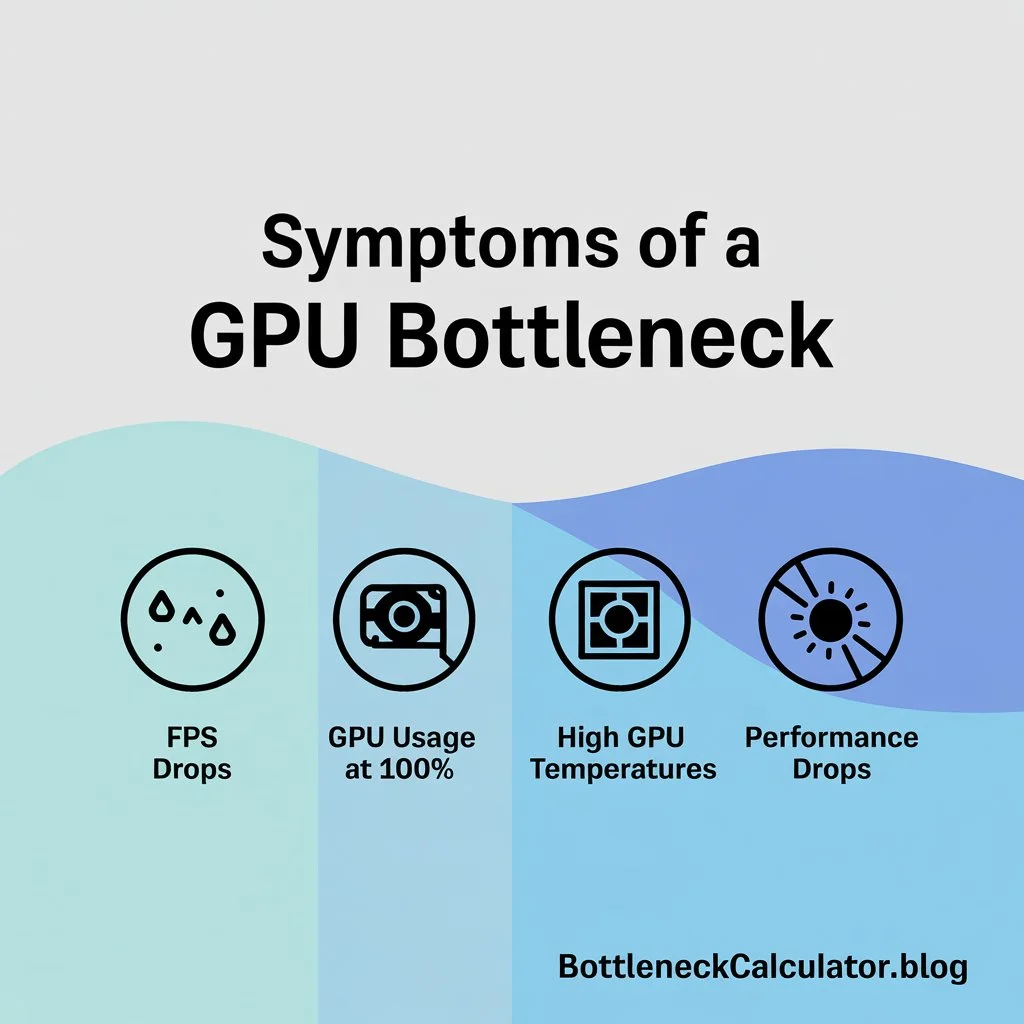
- FPS drops in graphically demanding games
- GPU usage at 100% while CPU usage stays low
- High GPU temperatures and fan noise
- Performance drops when moving from 1080p → 1440p → 4K
Common Causes of GPU Bottlenecks
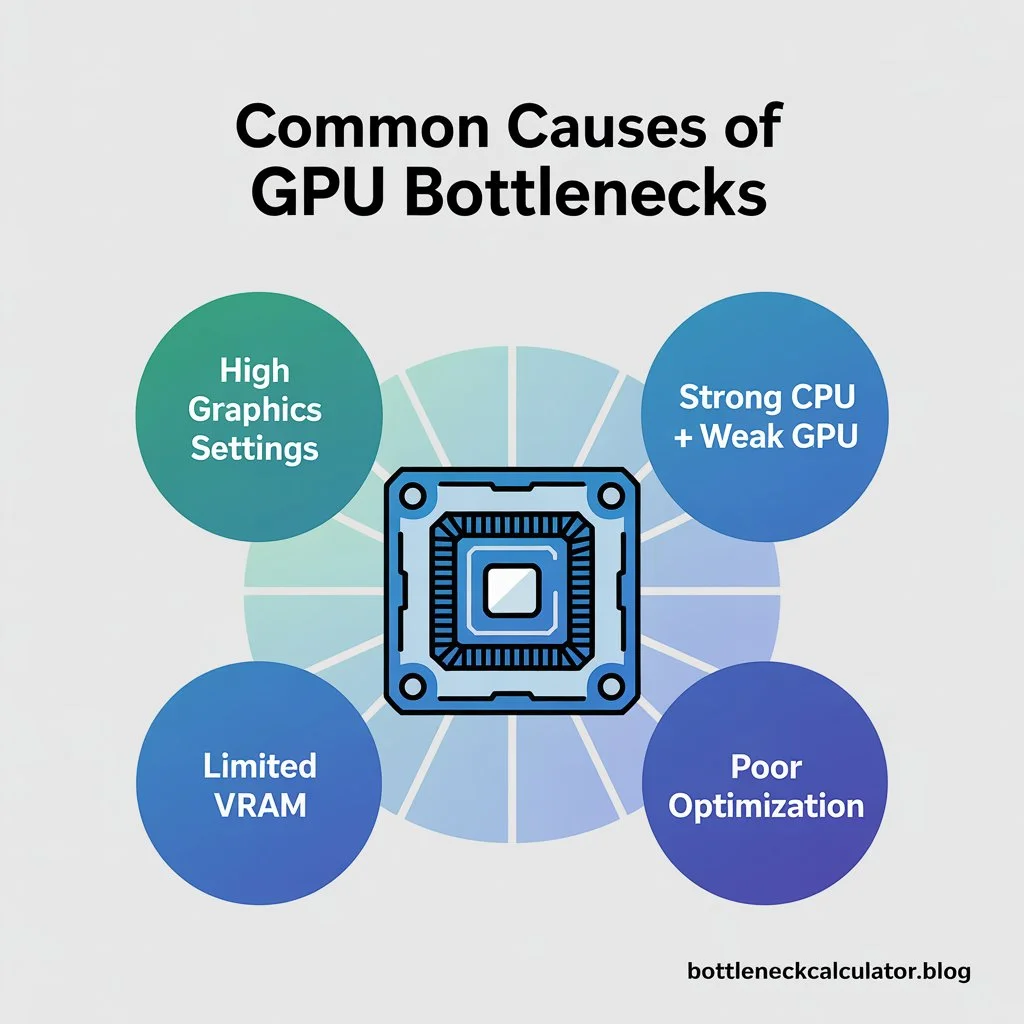
High Graphics Settings
Ultra textures, ray tracing, and maxed-out graphics push GPUs to the limit.
Strong CPU + Weak GPU
Example: Intel i7 + GTX 1650 → CPU is powerful, but GPU drags behind.
Limited VRAM
Modern games often need 8GB+ VRAM. A 4–6GB GPU can struggle.
Poor Optimization
Some games (especially AAA titles) are GPU-intensive and strain graphics hardware.
How to Use a GPU Bottleneck Calculator?
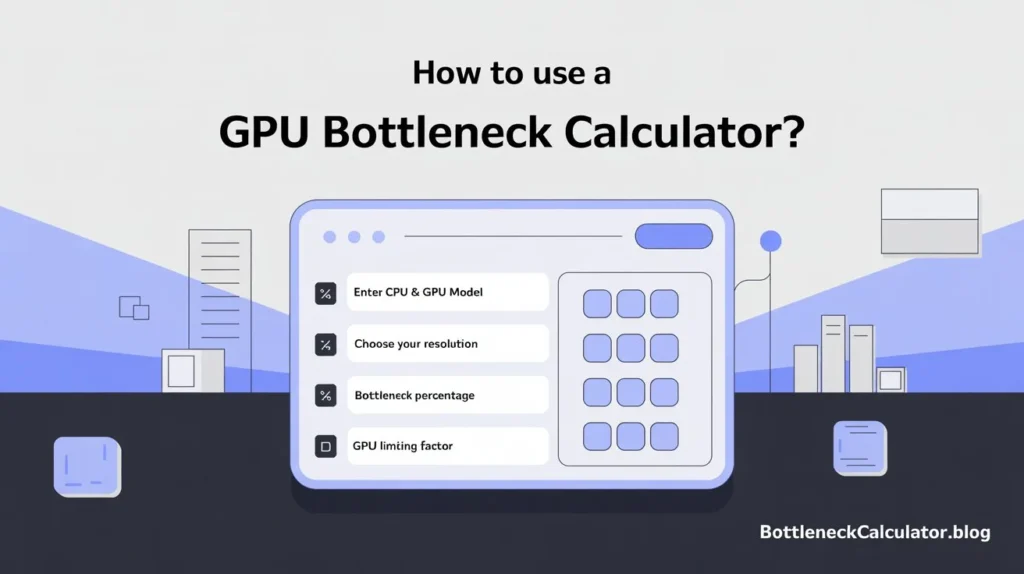
- Enter your CPU & GPU model.
- Choose your resolution & usage type (gaming, streaming, editing).
- Get your bottleneck percentage.
- See if the GPU is the limiting factor.
How to Fix a GPU Bottleneck?
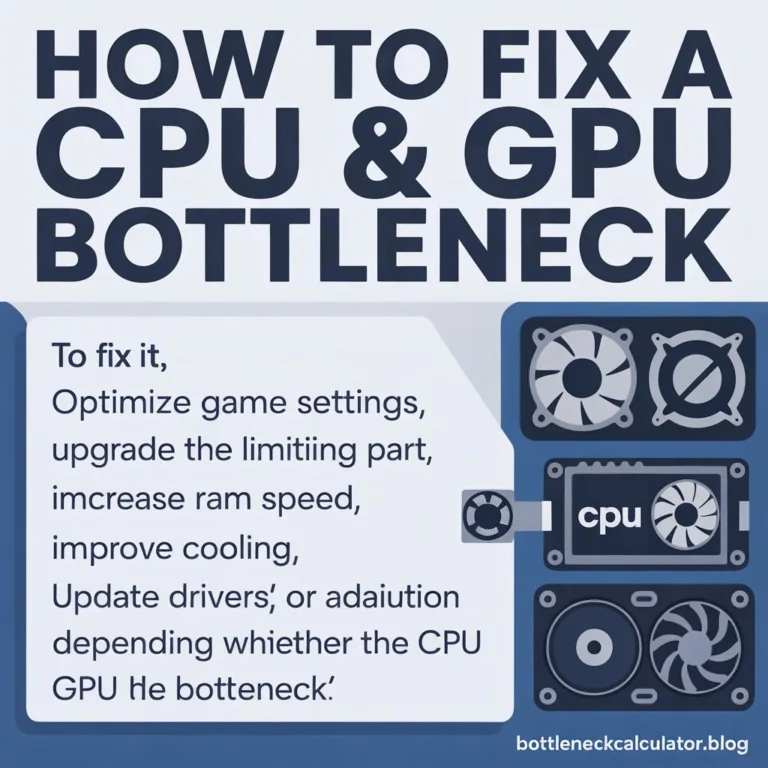
Upgrade Your GPU
The most direct fix—replace an older card with a modern one (e.g., RTX 4070, RX 7800 XT).
Lower Resolution & Settings
Drop from 4K → 1440p or disable ray tracing to ease GPU load.
Use Performance Features
Enable DLSS, FSR, or XeSS to improve FPS without reducing image quality.
Update GPU Drivers
Outdated drivers often cause performance issues.
Improve Cooling
Prevent GPU thermal throttling with better case airflow or aftermarket cooling.
GPU Bottleneck vs CPU Bottleneck
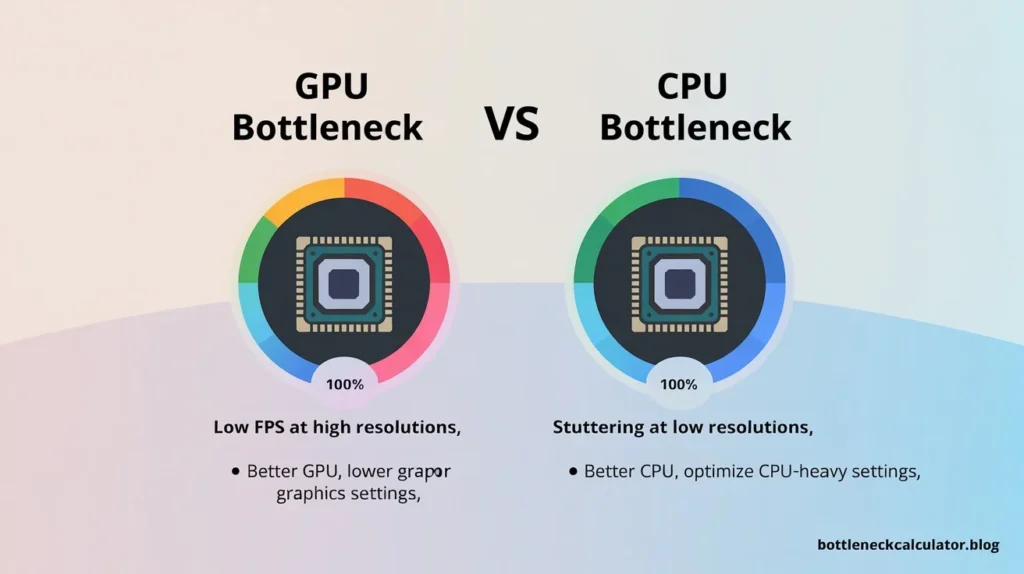
| Factor | GPU Bottleneck | CPU Bottleneck |
| Usage | GPU at 100% | CPU at 100% |
| Symptoms | Low FPS at high resolutions | Stuttering at low resolutions |
| Fix | Better GPU, lower graphics settings | Better CPU, optimize CPU-heavy settings |
Also Check: Bottleneck Calculator PC – Test Your CPU & GPU Balance
FAQs About GPU Bottlenecks
1. What is a GPU bottleneck?
A GPU bottleneck occurs when your graphics card is the limiting factor in your system, preventing the CPU from reaching full potential.
2. How do I know if my GPU is bottlenecking my PC?
Check system monitoring tools (MSI Afterburner, HWMonitor). If GPU usage is always 100% while CPU stays low, your GPU is the bottleneck.
3. Can RAM or storage affect a GPU bottleneck?
Indirectly. Slow RAM or HDDs won’t cause a GPU bottleneck directly, but they can slow the system overall and reduce FPS.
4. Does screen resolution affect GPU bottlenecks?
Yes. Higher resolutions (1440p, 4K) put more load on the GPU, making bottlenecks more likely.
5. How accurate are GPU bottleneck calculators?
They’re estimates. Actual results depend on game optimization, drivers, cooling, and background apps.
6. What percentage of GPU bottleneck is acceptable?
A bottleneck under 20% is usually fine. Over 30–40% is when you’ll notice FPS drops.
7. Can overclocking reduce GPU bottlenecks?
Yes, but gains are modest. Overclocking improves performance slightly but won’t eliminate a severe GPU bottleneck.
8. Do GPU-heavy and CPU-heavy games affect bottlenecks differently?
Yes. Open-world or ray tracing games strain GPUs, while esports games strain CPUs.
9. Can temperature or cooling cause GPU bottlenecks?
Yes. Overheating can cause thermal throttling, reducing GPU performance.
10. Is the GPU bottleneck calculator valid for laptops?
Yes, but laptops often throttle more due to power/heat limits, so results may differ from desktops.
11. What info do I need to use a GPU bottleneck calculator?
Your CPU model, GPU model, and resolution are enough for a reliable estimate.
12. Should I upgrade my GPU or CPU first if my GPU is the bottleneck?
Upgrade the GPU first. If CPU is strong but GPU is weak, GPU is the smarter upgrade.
13. Will DLSS/FSR help reduce GPU bottlenecks?
Yes, these technologies lower GPU workload while maintaining image quality.
14. Do drivers or software updates affect bottleneck results?
Yes, updated drivers often improve GPU efficiency and reduce bottlenecks.
15. Does refresh rate (144Hz, 240Hz) affect GPU bottlenecks?
Yes, higher refresh rates require more FPS. A weak GPU may struggle to keep up.
Conclusion
A GPU bottleneck can drag down your gaming performance, especially at high resolutions or with demanding games. The good news? It’s easy to check if your GPU is the problem.
👉 [Run our free Bottleneck Calculator now →] to instantly test your system and see if your GPU is holding you back.
Don’t let a weak graphics card slow down your gaming experience—identify the bottleneck and fix it today.